
KOT software: the kitchen gets the order the moment you send it.
Press Send KOT at the table or counter. It prints in the kitchen, so nobody shouts across the room. Ask Pili, your AI assistant, how last night’s orders went.
Free plan. No credit card needed.
What is a KOT?
A KOT, or kitchen order ticket, tells the kitchen what to cook for a table or a counter order.
In Ordrio you press Send KOT in Bills & Books. The ticket reaches the kitchen at once, on a printer or a screen, with notes like Less spicy. Nobody shouts across the room.
- Running orders, bills and KOT in one screen
- Each station gets only its own items
KOT 15 · KitchenT3 · Main Hall
How KOT works
From the order to the kitchen in four steps, at the table or at the counter.
Take the order
Add items at the table or the counter, with a note where the guest asks for one.
Table 3 8:34 PM
Less spicy
Press Send KOT
The ticket goes out the moment you press it. No walking to the kitchen.
Table 3
Ready to send
Each station gets its items
Food goes to the kitchen and drinks to the bar, on a printed slip or a screen.
KOT 15
Biryani, Grill, Bread
Fresh Lime Soda
Add more later
A guest wants more? Add it to the running order and send again. It goes as a fresh KOT.
KOT 16 T3
Added
What you can set for KOT
Set up tables, kitchens and printers from the admin, then run it all from Bills & Books.
| Setting | What it does |
|---|---|
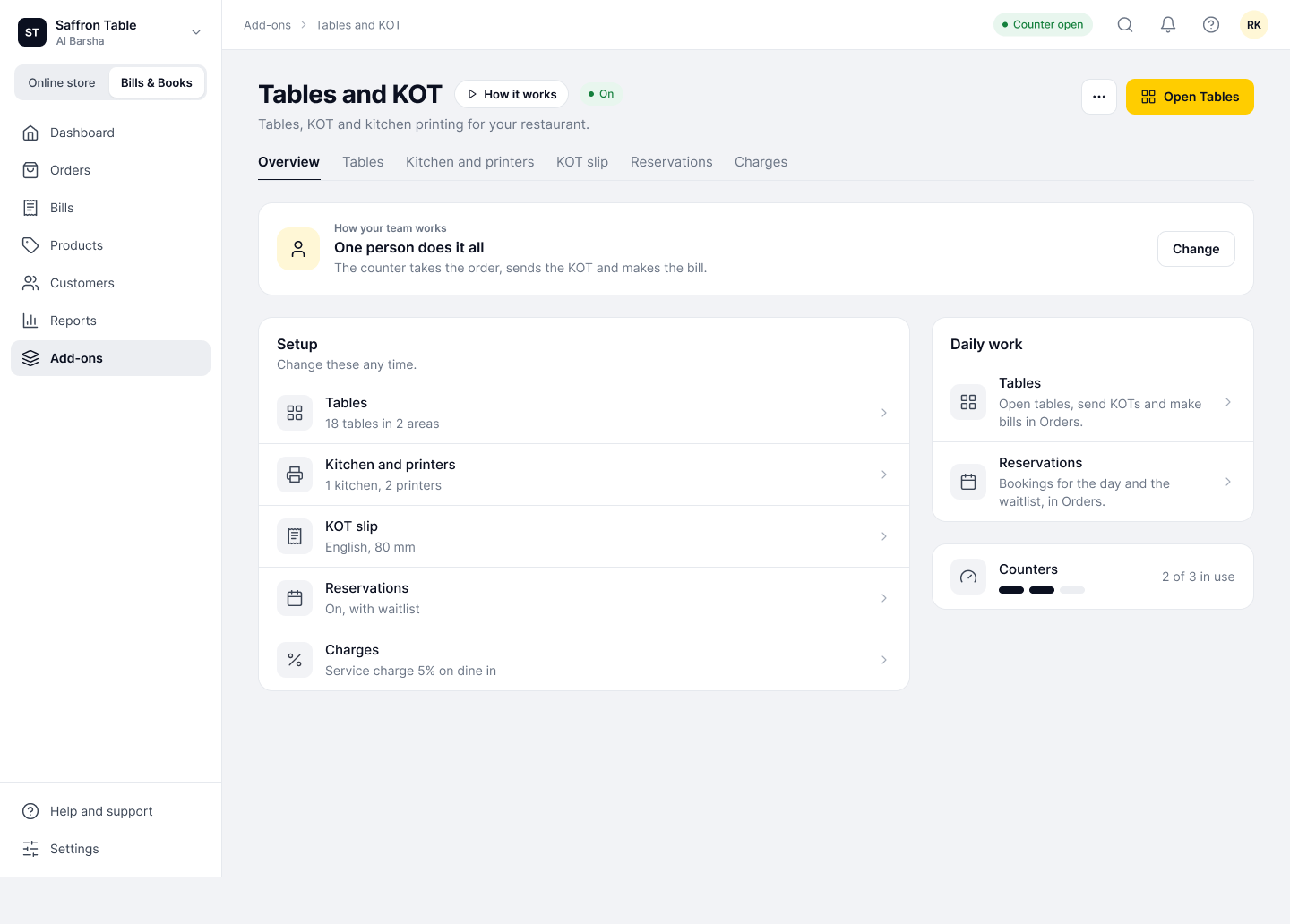
| Kitchens and stations | Set up each kitchen or bar. Each station gets only its own items. |
| Printers | One printer for the kitchen and one for the bar. Slips print at 80 mm. |
| Kitchen screen | Tickets line up on a screen in the kitchen, with no paper. |
| Captain screen | Staff take orders at the table and see what was sent to the kitchen. |
| Order notes | Notes like Less spicy go on the ticket with the item. |
| One person does it all | The counter takes the order, sends the KOT and makes the bill. Teams add a captain screen. |
| Tables and floors | Draw your floor and see every table, its time and its bill at a glance. |
| Running orders | Running orders, bills and KOT sit in one screen. |
| Items added later | New items on a running order go to the kitchen as a fresh KOT. |
Who uses KOT
Any food business where the person taking the order is not the person cooking it.
KOT with the rest of Ordrio
Kitchen tickets work with your tables, your bills and the orders guests place themselves.
KOT questions, answered
No. You can show tickets on the kitchen screen. If you use printers, set one for the kitchen and one for the bar.
Kitchen and bar slips print at 80 mm.
Yes. In “One person does it all” mode the counter takes the order, sends the KOT and makes the bill.
Yes. With the captain screen, staff take the order at the table and see what was sent to the kitchen.
Add it to the running order and send again. The new items go to the kitchen as a fresh KOT.
Yes. Each station gets only its own items, so the bar sees drinks and the kitchen sees food.
Yes. Guests scan, order and the kitchen gets it. See QR ordering at tables.
Yes. Kitchen tickets and a kitchen screen work with your orders, and each order prints a ticket.
KOT is an add-on on Bills & Books. Plans and price are on the add-ons page. Bills & Books and your online store are on every plan, including Free.