Resources · Migrate
Move your store to Ordrio
Switch platforms without starting from scratch. Import your products, categories, images and prices with your store URL, with no manual uploads and no code.
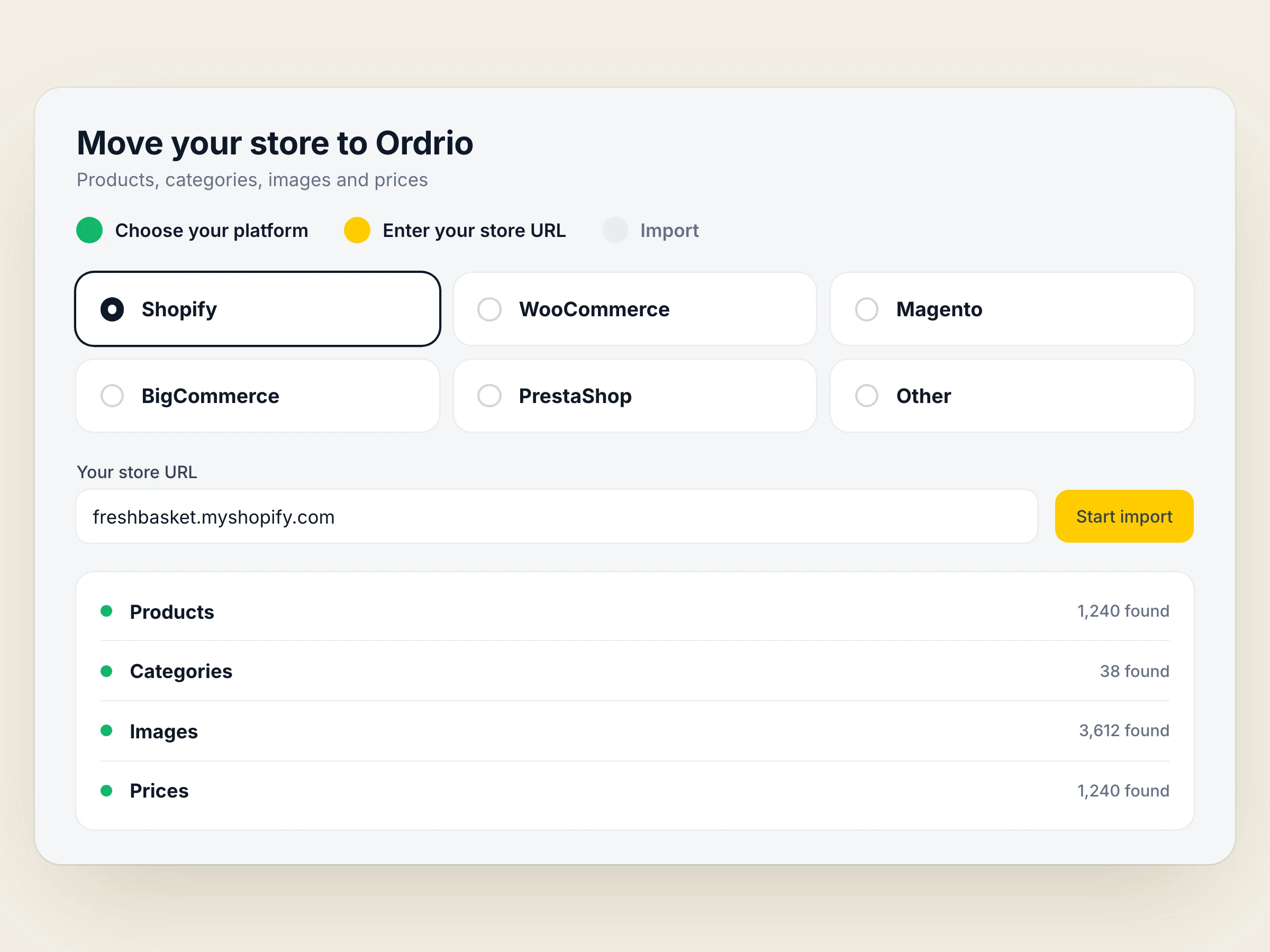
How it works.
Choose your current platform
Pick the platform your store runs on today.
Enter your store URL
Paste your store's address into the migration tool.
Import in one click
Your products come across with their images, descriptions, categories and prices.
Review and go live
Check your new Ordrio store, then open it to customers.
Why moving is easier than you think.
Your whole catalogue
Images, descriptions, categories and prices come over together.
Many platforms
Shopify, WooCommerce, Magento, BigCommerce, PrestaShop and more.
No credentials
You only share your store URL. Your account details stay private.
Done in minutes
Most migrations finish in minutes, not days of data entry.
No code
The import runs from a form. You don't need a developer.
Help if you need it
Book a demo and our team will talk you through the move.
Questions, answered.
Shopify, WooCommerce, Magento, BigCommerce, PrestaShop and more. If yours isn't listed, book a demo and ask us.
Your products, with their images, descriptions, categories and prices.
No. The import uses only your store URL, so your account details stay private.
Most migrations finish in minutes. You then review your new store before you go live.


Your store could be live this week.
Sign up for free, or talk to us first. Either way, we'll be there.