
QR ordering at tables: guests scan, order and your team stays on the floor.
Put a QR on every table. Guests open your menu on their phone and the order reaches your team. Ask Pili, your AI assistant, which items sold most at your tables.
Free plan. No credit card needed.
What is QR ordering at tables?
A QR code sits on each table. A guest scans it with the phone camera and your own menu opens, with the table already named. No app to install.
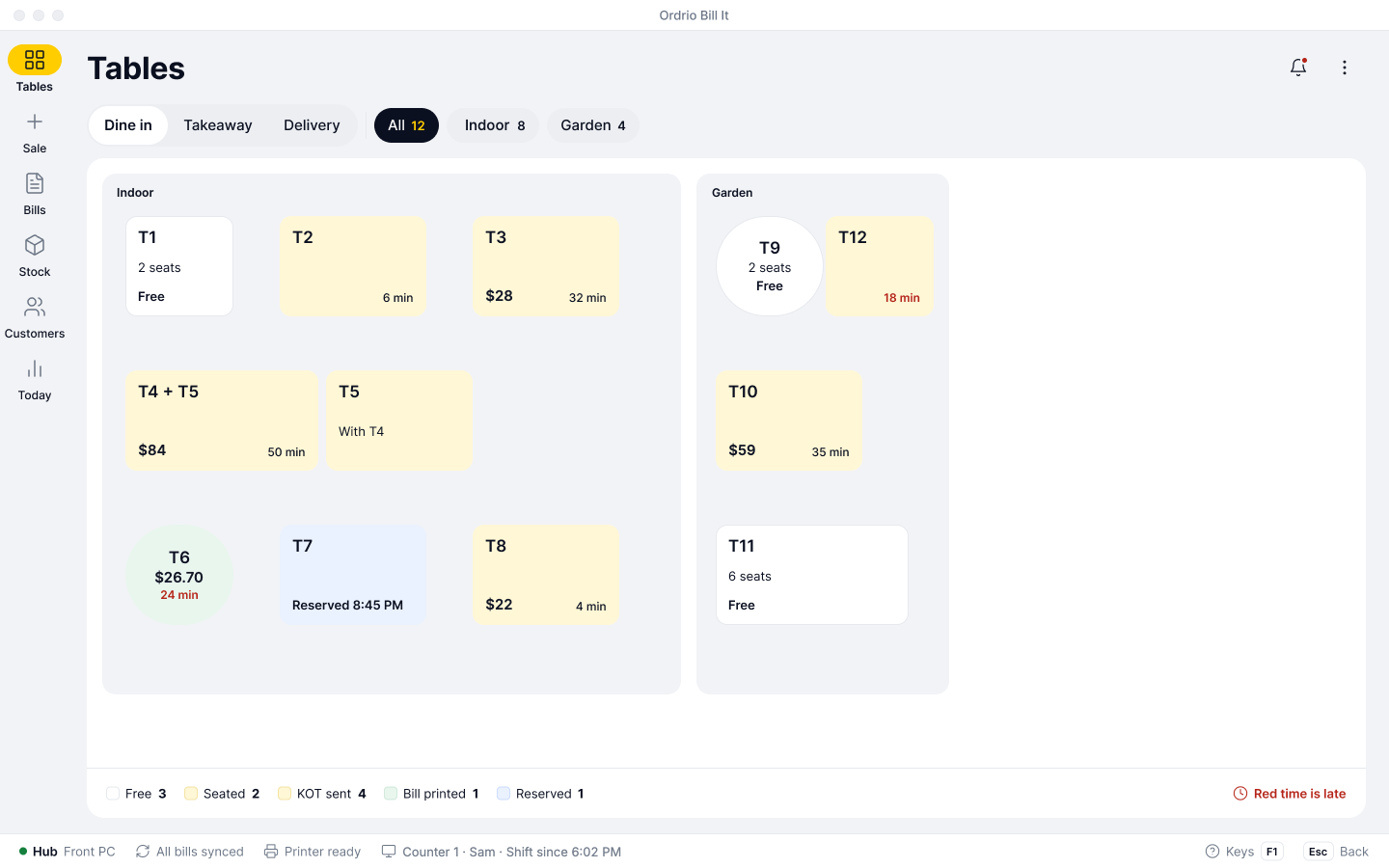
The guest picks items and sends the order. It lands on that table for your team to accept. You still run the floor, serve the food and make the bill. The writing and walking go.
How QR ordering works
Four steps, from a printed code to a ticket in the kitchen.
Print a QR for each table
Print the codes on an A4 sheet, four to a page or one per page, and put one on every table.
The guest scans and orders
Your menu opens with the table name at the top. The guest adds items, a note for the kitchen and sends.
Your team accepts
The order shows up at once on the counter, the Ordrio app and the web dashboard. Accept it, or reject it with a reason.
3 items, Less spicy$11.50
The kitchen gets the KOT
An accepted order joins the table. The kitchen ticket goes out straight away, or when your team sends it.
What you can set
Everything sits inside the add-on, under Tables.
| Setting | What it does |
|---|---|
| One QR for each table | Every table has its own code, so the order arrives on the right table. Renaming a table does not break a printed code. |
| Print or download | Print four codes on an A4 sheet or one per page, or download them to send to your printer. |
| Reset a table's QR | Make a fresh code for one table. The old one stops working and a guest who scans it sees “This QR is not active.” |
| Send the KOT when I accept | On: accepting sends the kitchen ticket at once. Off: the order waits on the table until your team sends it. |
| Accept or reject | Reject with a reason such as Item not available or Kitchen is busy. The guest sees your answer on their phone. |
| Pause QR ordering | Pause it on a packed night or at closing. Guests can still read the menu and see “Ordering is paused. Call our staff.” |
| Who can accept | Give “Accept QR orders” to the roles you choose, such as captains and managers. |
| Orders nobody answers | A request left alone for 15 minutes expires. The guest is told and can send it again. |
Who uses QR ordering
Any place where guests sit at a table and order more than once.
Restaurants
Busy tables order on their own while captains serve and clear.QR ordering for restaurantsCafes
Guests add a second coffee from the table without waving for staff.Ordrio for cafes and restaurantsCloud kitchens
No tables? Customers order from your own website and app instead.Ordrio for cloud kitchensQR ordering with the rest of Ordrio
The QR order is the start. The same table carries on into the kitchen, the bill and your books.
Kitchen order tickets
Accepted QR orders print on the right kitchen station.How KOT worksSplit bills
After the meal, share the table's bill between guests.How split bills workReservations
Seat a booked guest, and they order from the same QR.Table reservationsOnline store
The QR opens your own store, with the prices and sizes you already set.Your online storeQR ordering questions, answered
No. They scan the QR with the phone camera and your menu opens in the browser, with the table already named.
They choose items, add a note for the kitchen and send. The screen shows “Waiting for our staff to confirm” until your team accepts.
Yes. Each code belongs to one table, so the order arrives on the right table. Renaming the table does not break the printed code.
No. The guest screen says to pay at the table after the meal. You make the bill as usual and can split it between guests.
Yes. There is one note for the whole order, such as Less spicy, and it prints on the kitchen ticket.
Reject the order with a reason and the guest sees it. On a packed night you can pause QR ordering for a while.
It expires after 15 minutes. The guest is told and can send it again.
Yes. You still run the floor, serve the food and make the bill. QR ordering takes away the writing and walking.
Yes, QR ordering works on top of tables and KOT. Accepted orders go to the kitchen as a kitchen order ticket.
It is an add-on on Bills & Books, with plans and price on the add-ons page. Bills & Books and your online store are on every plan, including Free.